
How to Search Cases by Name
Start by picking the right court. The Ward County Clerk handles only the records filed in that office, not traffic tickets, felonies, divorces, or child-support cases. For a docket search by name, re:SearchTX covers participating courts statewide. The clerk also posts an LGS link for its own filings. One caution applies. A name alone can pull up spelling variants and people who simply share it.
- Open re:SearchTX or the county-linked LGS system that corresponds to the custodian.
- Enter the party or case style using the least personal information needed for a public search.
- Add Ward as the location and select court, case category, case type, or date filters when available.
- Open the matching Case Details screen and compare its cause number, court, filing date, and status.
| Field Label | Type | Required | Notes |
|---|---|---|---|
| Keyword / Name | Text | Search-dependent | May match case description, party, attorney, or indexed text. |
| Location | Dynamic filter | No | Select Ward County or the known court location when offered. |
| Case Category / Type | Dynamic filter | No | Narrows broad name results; exact options can change. |
| Date | Dynamic filter | No | Use the relevant filing or event range and verify its field meaning. |
Ward Searches Have Four Portal Modes
re:SearchTX gives Ward County users four ways to look. The official guide names them: Cases, Filings, Text, and Hearings. Match the mode to your question. Cases finds records at the case level, while Filings digs into indexed submissions that reached the clerk. Text hunts through whatever searchable content the system holds. Hearings tracks events already scheduled on a court calendar.
Know what each result actually shows. A Hearings hit lists events on the schedule. It is not a search for how a case ended. Likewise, a Filing Details view is one entry, not the full docket chronology for the case. Clicking works the same way in each spot. Pick the case description to open Case Details. A filing link opens Filing Details, and a hearing type opens the hearing dialog. The export and saved-search tools pictured in the guide should be tested inside your live account. Do not count on them before then.
How to Search by Case Number
Search with the exact cause number the court printed. That number matters in every Ward County court docket. It runs from the District Court down to the JP and municipal courts. There is no single numbering pattern shared across those courts, so never guess at a year or a case-type code. A safe placeholder is COURT-ASSIGNED CAUSE NUMBER. Type the punctuation just as it appears. If the docket search portal rejects it, follow the live help text instead of guessing at a changed number. A traffic citation number, clerk instrument number, or payment reference is not a substitute unless the system you chose plainly asks for it. When you ask the clerk directly, give the cause number plus the court, the county, the case type, and a rough date.
Ward County Clerk Uses a Separate Route
The Ward County Clerk takes a separate route. The office links to the LGS Online Solutions records entry for its records, and that portal is not the same as re:SearchTX. It covers County Clerk filings only, so treat it as one slice of Ward County court records rather than a window into every court.
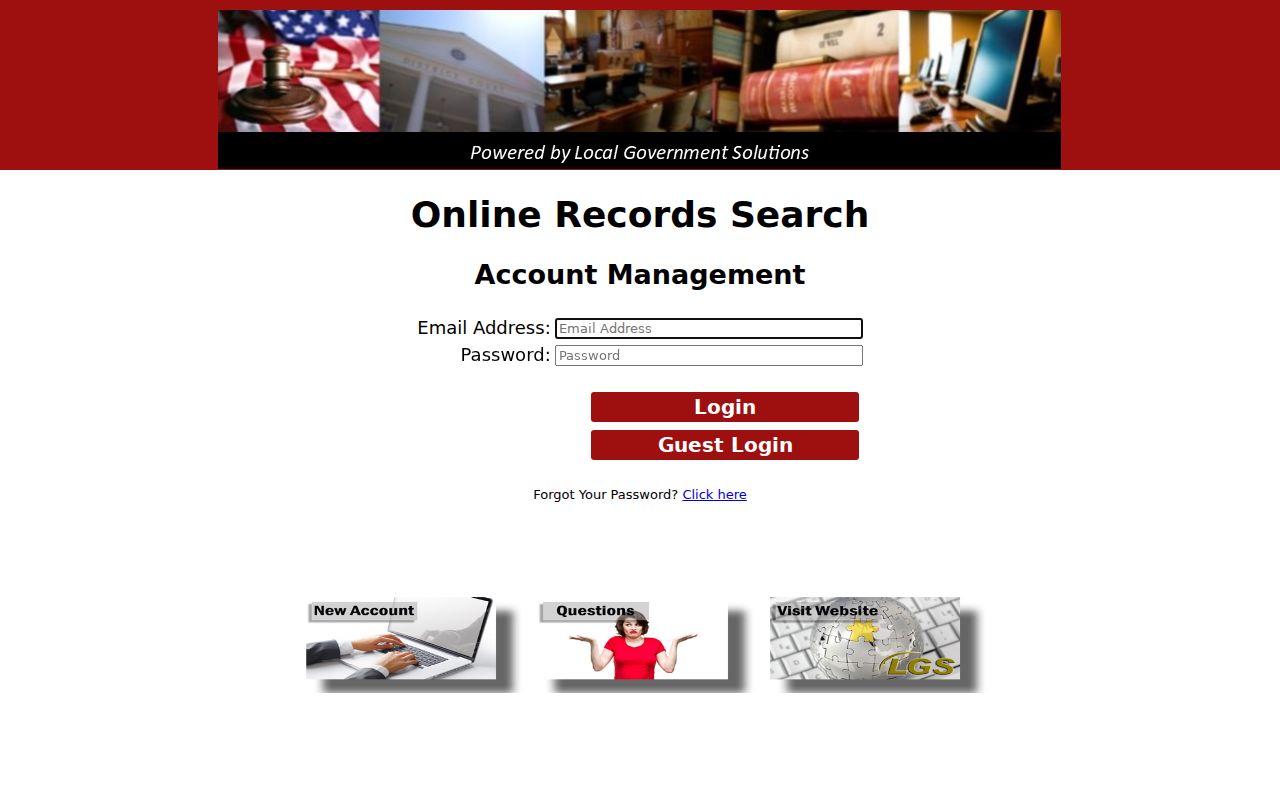
County instructions treat anything missing from the website as a job for the counter. The Clerk's free index may stand apart from paid document images. Ward County does not post one current price for those images. Ask the County Clerk directly about inspection, copies, and certification. Ask about any fee first.
What a Case Search Shows
Read each field on its own. A case-level hit in the Ward County system may open into filing or hearing detail. Then again, it may not. Depth turns on clerk integration, account access, restrictions, and whether a document image exists. Note the court record source you used and when you last checked it.
| Case Number | The court-assigned cause identifier, not automatically a citation or instrument number. |
|---|---|
| Style / Parties | The public caption or description, which may be abbreviated or redacted. |
| Case Type | The category supplied by the court, such as criminal, civil, family, or probate. |
| Filed Date | The date the clerk accepted or indexed the initiating record. |
| Status | The system’s current label; read related entries before stating an outcome. |
| Filing or Hearing | A linked detail view when the participating source exposes it. |
A docket line can name a filing without showing what is inside it. A paid image, in turn, is not a certified copy. Certification is what the court demands. Keep the exact status wording the docket gives. Do not stretch it into a legal conclusion of your own.
No Ward Result Is Not Proof
A blank docket search in Ward County can mean many things. The wrong court could be the cause. So could a spelling variant, a date filter, weak system integration, older files held offsite, or a lawful restriction on the court record. None of that proves the case is absent. Retry with reasonable public filters, then go to the clerk who holds the record.
Use the clerk fallback. Give the clerk the court, cause or citation number, case type, and approximate date, and ask whether an index, inspection, or copy is available.
Some older Ward County district records sit offsite with a preservation company, according to the District Clerk. You can ask for them by request. Call the office before you assume a file is gone. Ask whether that process applies to your matter. Also ask what copy or certification terms currently govern it. If the portal is down when you try it, note when you checked. Then fall back on the phone or office route the clerk names.
County vs Statewide Case Search
Texas has no single statewide trial-court search that covers every Ward County matter, so plan on more than one tool. re:SearchTX works as an electronic access layer, but only for participating offices. The Ward County Clerk's own link to LGS is the local route, and the clerk who holds the original filing is still the source of truth for any docket search.
| re:SearchTX | Ward County Clerk LGS |
|---|---|
| Participating Texas offices and integrated electronic data | Records routed through the Ward County Clerk |
| Cases, Filings, Text, and Hearings modes | County-linked local index and available record functions |
| Best for a cross-county search or integrated case | Best for a known constitutional County Court record |
| Missing data requires originating-clerk follow-up | Material not online requires office follow-up |
Getting to the right office first saves time. Felonies, divorces, child-support cases, and district civil matters all belong to the District Clerk. Class C cases and small civil matters go through the proper justice court. A Monahans ordinance violation or fine-only case lands in Municipal Court instead. eFileTexas, meanwhile, is just a filing channel; it does not promise that a public docket will show up there.
Ward Court Choice Comes First
Place names in Ward County overlap, and that can hide which court actually holds a case. The 143rd District Court serves Loving, Reeves, and Ward counties. It takes the district-level work. The constitutional Ward County Court handles the categories confirmed for that court. JP Precincts 1 and 4, JP Precincts 2 and 3, and Monahans Municipal Court each keep their own limited-jurisdiction matters. Those matters sit on separate dockets.
- District Clerk
- Felony, divorce, child-support, and other 143rd District Court records.
- County Clerk
- Constitutional County Court criminal, civil, probate, juvenile, and mental-health categories, subject to access limits.
- Justice Court
- Class C, small claims, eviction, minor civil, and magistrate work in the proper precinct.
- Municipal Court
- Monahans city-ordinance and fine-only Class C matters.
A criminal-history check from Texas DPS is not the same thing as a Ward County court docket search, so don't confuse the two.
Restricted Cases and Access Rules
Not every Ward County court record is open to the public. A sealing order can close a case. Juvenile confidentiality can pull a document out of view. So can expunction law and protected personal details. On top of that, some records carry their own restrictions. The re:SearchTX terms put it plainly: sealed or protected information is not distributed through the service.
Texas Rule 12 sets the framework for access to judicial records. Government Code Chapter 552 covers public information in its administrative setting. But neither one is a workaround for a sealing order. Ask the clerk which authority governs a given record. Also ask whether a redacted public version or certified copy exists. Do not hunt for hidden personal data. And never assume a restricted case never existed.
Verify Ward Filing and Hearing Details
Before you trust a search row, open Case Details and read it. Check the court, the Ward location, and the cause number. Then check the case style, the category, the filing date, and the status. Follow a filing or hearing link only when it is public. Keep in mind what a docket entry does not prove. A motion marked filed has not been granted. A scheduled trial has not necessarily happened.
For anything coming up soon, cross-check the result against Ward County court dates. Then call the clerk or court administrator. If you need a document, ask whether the portal image is complete. Ask whether it needs certification too. That last step keeps an index, a case file, a calendar, and a final result from blurring into one record.